PC demo
ClickGUI tuning
PC ClickGUI flow: open the in-game menu, browse modules, and adjust settings live.
Join Flarial's Discord server for live help, announcements, and an active Minecraft Bedrock community.
Quick previews of the ClickGUI, HUD layout, FPS tools, and Android flow. All requested preview media is now in place.
PC ClickGUI flow: open the in-game menu, browse modules, and adjust settings live.
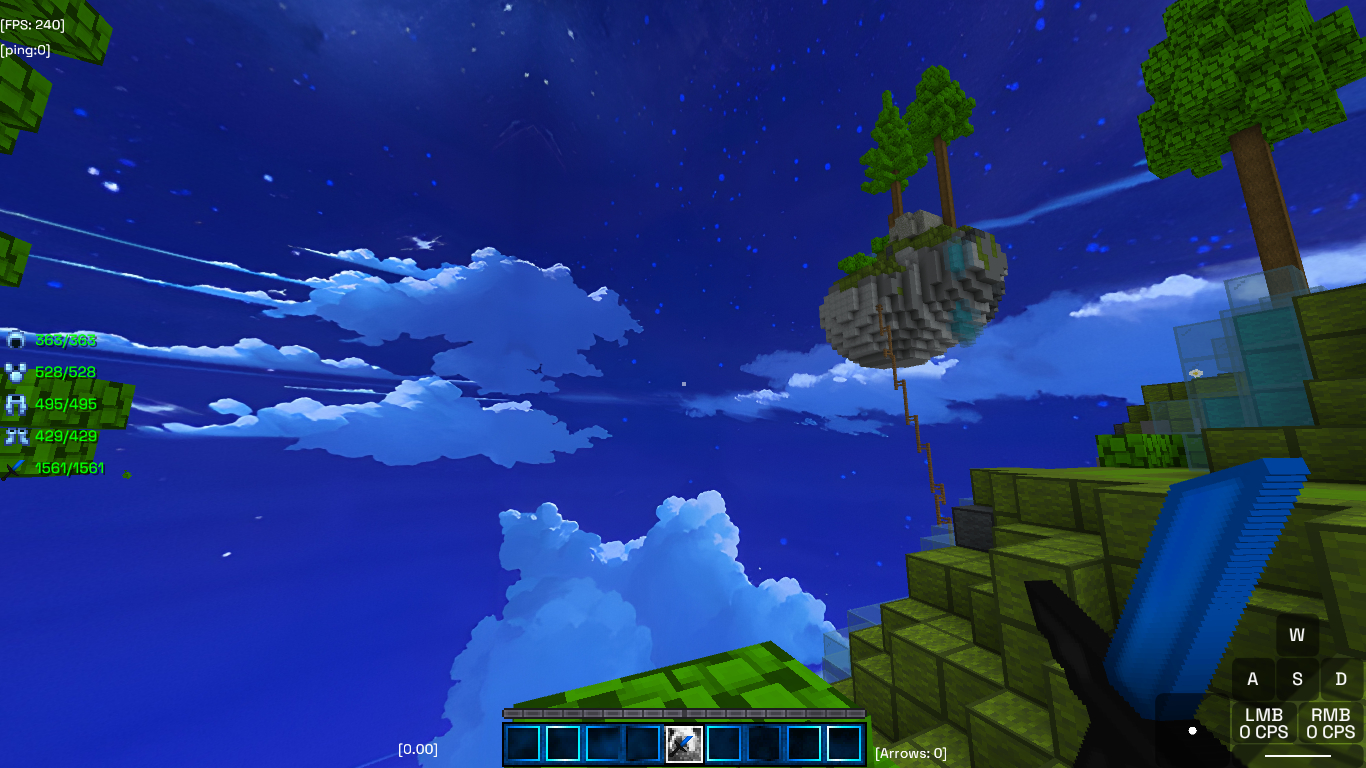
Clean PC HUD view with FPS, ping, armor durability, keystrokes, CPS, and hotbar overlays.
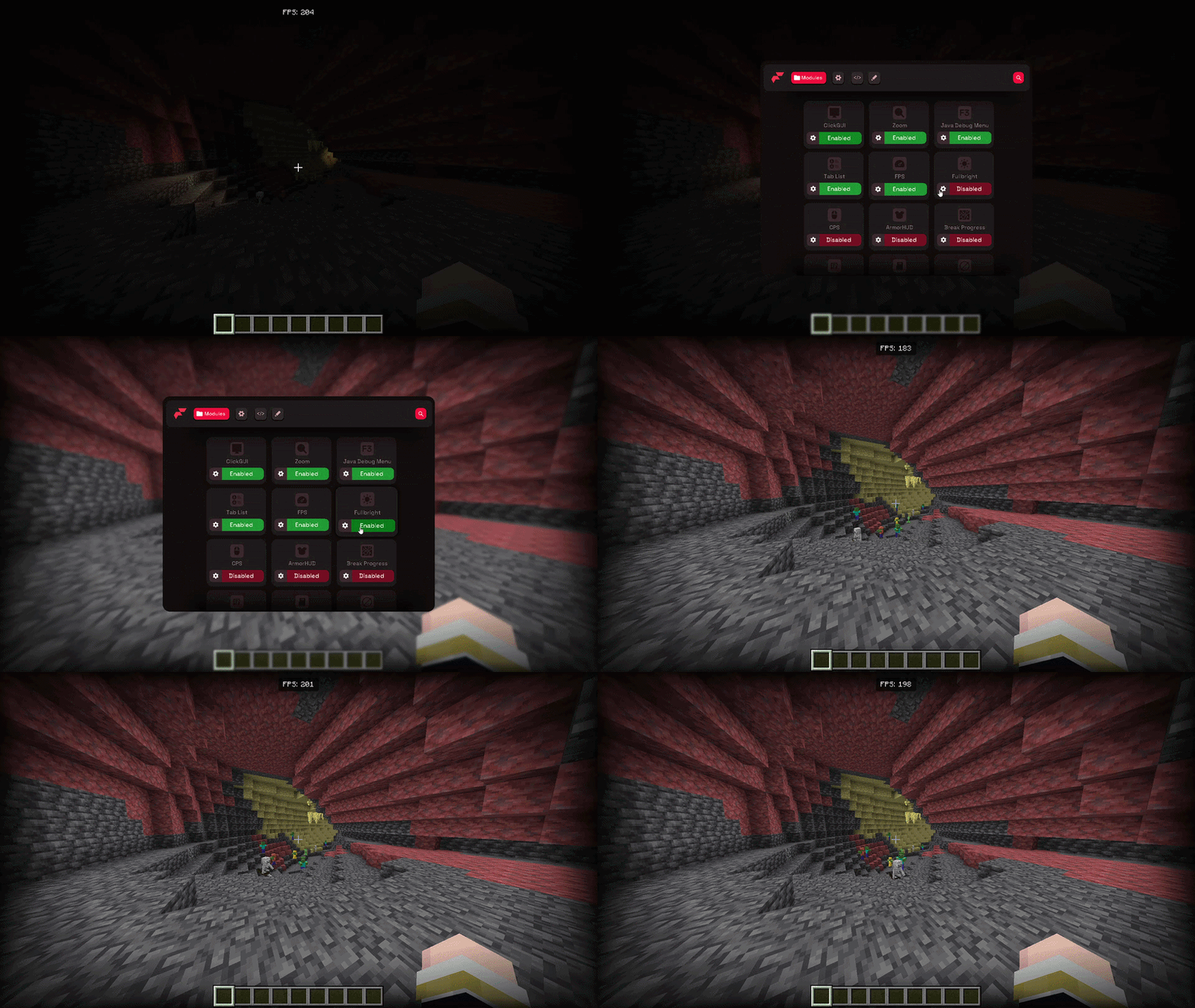
PC render demo with the FPS counter visible while lighting/visual settings change in-game.
Mobile Flarial flow: open the Android controls, enter ClickGUI, and toggle a safe HUD module.
Flarial already has the hard parts: a huge Discord community, Android + Windows support, YouTube coverage, and open documentation. The site now makes those signals easier to find before someone downloads.
A Minecraft Bedrock client is a utility layer for Minecraft Bedrock Edition that adds quality-of-life features the base game leaves out — an FPS boost, on-screen HUD modules, and a ClickGUI for toggling everything mid-game. Flarial is a free, TOS-compliant bedrock utility client for Minecraft Bedrock Edition on Windows 10/11 and Android (MCPE). It is not a cheat client — the default modules are quality-of-life only.
Toggle every module from a clean, in-game ClickGUI — open it with one keypress and tune settings live.
A bedrock utility client built for performance: an FPS boost and render tweaks that keep frames high on low-end PCs.
Run the same MCPE client on Minecraft Bedrock for Windows 10/11 and Android.
HUD modules, keystrokes, CPS counters, and quality-of-life tweaks — all TOS-compliant and free.
Install the signed launcher, open Minecraft, then choose Inject to load Flarial into the running game.